

AI reads, understands and processes documents automatically – from PDFs and emails to scanned receipts. High recognition accuracy, major time savings.
AI reads PDFs, emails and attachments, extracts the relevant information and feeds it straight into your processes – with a focus on accuracy, speed and compliance.
PDFs, invoices, contracts and receipts are read and structured automatically. No retyping, no copy-paste errors, no fatigue.
AI makes no typos and overlooks no important details. Automatic validation and plausibility checks reduce errors to close to zero.
A document is processed in under five seconds – with no queue, at night, on weekends and on public holidays too. Available 24/7.
Extracted data flows straight into your systems: ERP, CRM, accounting, DMS. Structured, validated and immediately usable.
Audit-proof archiving, audit trail, access controls and retention periods. Compliance is built in from the start.
PDFs, scans, photos, emails, Word, Excel – even handwritten notes and poorly legible documents are recognised.
PDFs, invoices, contracts and receipts are read and structured automatically. No retyping, no copy-paste errors, no fatigue.
AI makes no typos and overlooks no important details. Automatic validation and plausibility checks reduce errors to close to zero.
A document is processed in under five seconds – with no queue, at night, on weekends and on public holidays too. Available 24/7.
Extracted data flows straight into your systems: ERP, CRM, accounting, DMS. Structured, validated and immediately usable.
Audit-proof archiving, audit trail, access controls and retention periods. Compliance is built in from the start.
PDFs, scans, photos, emails, Word, Excel – even handwritten notes and poorly legible documents are recognised.
The reality in many companies: invoices arrive by email, post and portal. Staff open PDFs, type data into Excel or the ERP, check manually for errors, file receipts. Each invoice: several minutes. With hundreds of invoices a month that is many hours – just for data entry.
The result: high staff costs, error rates of a few percent, delayed bookings, and frustrated staff who are actually qualified for more important work.
With AI document processing: documents are classified automatically, data is extracted, validated and transferred into the system. A member of staff only checks the exceptions. The result: major time savings, close to zero errors, happier staff.
Twelve core capabilities for automated, error-free document processes.
State-of-the-art text recognition for all document types: PDFs, scans, photos, faxes. Even poor quality, skewed scans and handwritten notes are reliably recognised.
AI recognises document types automatically: invoice, contract, delivery note, order, dunning notice. Routing to the right process with no manual sorting.
Documents in English, German, French, Italian and more are understood and processed equally.
Invoice numbers, amounts, tax rates, dates, addresses, line items – all relevant fields are recognised automatically and turned into structured data.
Even complex tables with individual line items, quantities, prices and totals are captured correctly. Line-by-line extraction for detailed bookings.
Linked documents, reference numbers and order references are recognised and matched automatically. Related documents are linked.
Automatic checks: do the totals add up? Is the VAT-ID valid? Does the invoice match the order? Errors are flagged before they cause problems.
Suppliers, customers, orders are matched against your master data. New suppliers are recognised, duplicates prevented.
Documents with uncertainties or anomalies are flagged for manual review. Clear workflows for exceptions.
Seamless integration with SAP, Microsoft Dynamics, DATEV, Lexware, BMD and more. Data is transferred directly, bookings created automatically.
GoBD-compliant filing with timestamp, audit trail and immutability. All processing steps are logged.
Personal data is recognised and protected. Retention periods, access controls and encryption are built in.
| Aspect | Manual processing | With AI document processing |
|---|---|---|
| Time per invoice | Several minutes | Under 30 seconds |
| Error rate | A few percent | Well under 1% |
| Availability | Office hours | 24/7/365 |
| Scalability | Linear with staff | Unlimited |
| Cost per document | High | Minimal |
| Turnaround time | Days | Minutes |
| Audit trail | Often patchy | 100% documented |
From invoices to contracts – automated processing for every document type.
From analysis to live operation – typically within a few weeks.
We analyse your document types, formats, volumes and existing processes. Which fields need to be extracted? Which validations are needed? Which systems need to be connected?
Extraction rules are defined, validation logic configured, the system trained on your document types. First tests with real documents.
Connection to your target systems: ERP, accounting, DMS. Extensive testing with different document variants. Fine-tuning of the recognition rate.
Parallel operation with real documents. Comparison of results with manual processing. Training of staff for exception handling.
Productive launch with continuous monitoring. The recognition rate is improved continuously. New document types are added as needed.
The possibilities are many: incoming invoices, contract analysis, post handling, receipt capture. But which solution fits your processes? We offer no theoretical lectures – instead, a hands-on assessment of where you stand.
3 hours • remote or on-site • incl. preparation
Clarity on how AI can automate your document processes.
Detailed answers to the most important questions.
Practically all business-relevant documents: incoming invoices and credit notes, delivery notes and orders, contracts and agreements, forms and applications, emails with attachments, receipts, personnel documents and applications. Formats: PDFs (native and scanned), Word, Excel, images (JPG, PNG), emails. Even handwritten notes and poorly legible scans are recognised thanks to modern, AI-assisted OCR.
Recognition accuracy depends on document quality and type: structured documents (invoices, forms) reach very high accuracy. Semi-structured documents (contracts, emails) reach high accuracy. Handwriting and poor scans reach good accuracy. For critical fields (amounts, account numbers, dates) we recommend additional validation rules: plausibility checks, matching against master data, sample checks. The system learns continuously and improves with every document processed.
We have a multi-stage quality system: confidence score – each extracted field gets a confidence value. Thresholds – fields below the threshold are flagged for review. Review interface – staff see exactly which fields are uncertain and can correct them specifically. Feedback loop – corrections flow back into training, so the system learns. Exception workflow – documents with many uncertainties are routed entirely to manual handling. The goal is not 100% automation, but an optimal balance between efficiency and quality.
Data protection and compliance are the top priority: encryption – TLS 1.3 in transit, AES-256 at rest. Hosting – EU data centres (GDPR-compliant) or on-premise at your site. Access control – role-based; not everyone sees everything. Audit trail – all access and processing is logged. GoBD compliance – audit-proof archiving, immutability, timestamps. Retention periods – automatic deletion after defined periods. We support you in producing the required documentation for your compliance department.
The common business systems are supported: ERP – SAP, Microsoft Dynamics, Oracle, Sage, Navision. Accounting – DATEV, Lexware, BMD, Addison, Agenda. DMS – DocuWare, d.velop, ELO, M-Files, SharePoint. CRM – Salesforce, HubSpot, Microsoft Dynamics CRM. Integration is via REST APIs, standard interfaces (DATEV format, ZUGFeRD, XRechnung) or file export/import. For systems without a direct API, integration via middleware is often possible.
Implementation time depends on scope: a basic setup (one document type, e.g. incoming invoices) takes a few weeks. A standard setup (3-5 document types, ERP integration) takes several weeks. An enterprise setup (many document types, complex integrations, compliance) takes a few months. We recommend starting with the most important use case (usually incoming invoices), showing value quickly and then expanding step by step.
The cost depends on complexity (document types, integrations, compliance requirements). The implementation pays for itself very quickly. Add the qualitative benefits: fewer errors, faster turnaround, happier staff. In a free initial consultation we put together a no-obligation quote for you.
Yes, self-service is an important principle: admin interface – adjust extraction rules, add new fields, configure validations. Review interface – handle exceptions, make corrections, give feedback. Reporting – monitor recognition rates, volumes, exceptions. We train your team in its use and are available for more complex changes. After implementation you are not dependent on us.


"Document processing is often the biggest time sink in companies. AI can deliver enormous efficiency gains here."
The KIKOM team around Markus Kirchmair supports companies in automating their document processes – from analysis through to integration.
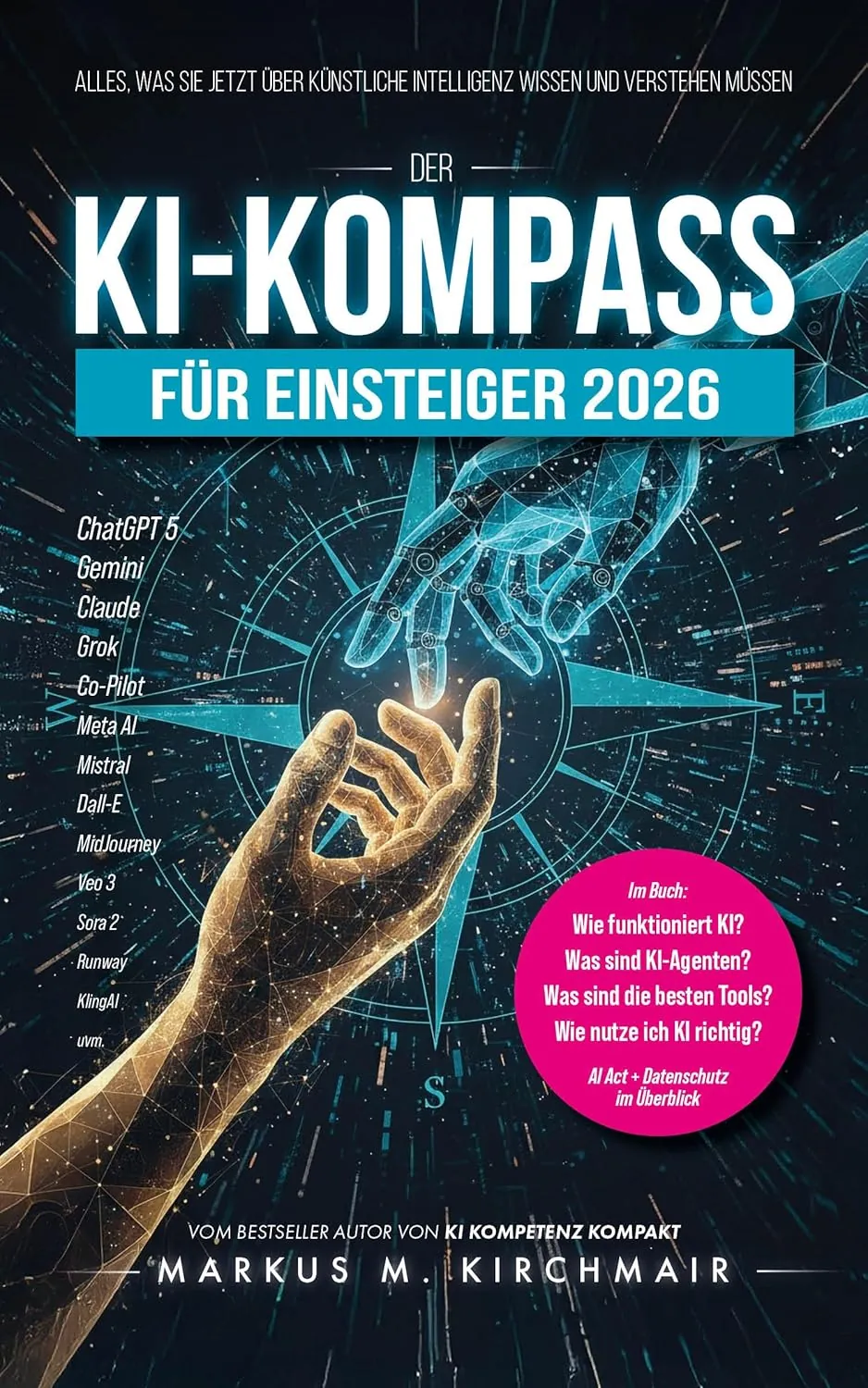
AI fundamentals, tools and regulation explained clearly.
Order now on AmazonLet's discuss how AI can understand your documents and speed up your processes.