
Use AI for stunning visualisations in seconds, error-free tenders and automated minutes. So you have time again for why you became an architect: good architecture.
Less routine, more creativity.
Turn sketches or white models into atmospheric renderings. Test 20 variants (material, light, weather) in 20 minutes.
Mark components in the plan – the AI generates line items based on standards and your earlier successful projects.
Record the site meeting. AI writes the minutes, filters tasks, assigns responsibilities and sends it out.
Take photos of the existing structure – AI generates 3D models or structured room lists for planning from them.
Ask the AI: "How high must the railing be in an assembly venue?" You get the answer with a source citation (building codes, DIN).
Show the client alternatives in real time: "How would that look with a timber facade?" Click, done. That creates decision confidence.
Turn sketches or white models into atmospheric renderings. Test 20 variants (material, light, weather) in 20 minutes.
Mark components in the plan – the AI generates line items based on standards and your earlier successful projects.
Record the site meeting. AI writes the minutes, filters tasks, assigns responsibilities and sends it out.
Take photos of the existing structure – AI generates 3D models or structured room lists for planning from them.
Ask the AI: "How high must the railing be in an assembly venue?" You get the answer with a source citation (building codes, DIN).
Show the client alternatives in real time: "How would that look with a timber facade?" Click, done. That creates decision confidence.
From preliminary design to construction supervision.
Upload a hand sketch, enter a prompt ("modern villa, glass facade, forest setting"). AI generates 4 photorealistic suggestions.
AI analyses circulation and floor-area efficiency and suggests variants for better use.
AI scans the plans and creates a bill-of-quantities framework. You only add the details. Text blocks come from your database.
Capture a defect via app (photo + voice). AI locates it in the plan, formulates the notice and sets a deadline.
Architects often spend more time in Excel than on design.
Copy & paste from old projects is error-prone. Writing anew takes forever. A tedious necessity.
A quick visualisation for the competition? Once a night shift, now five minutes.
After a 4-hour site meeting, another 2 hours typing minutes. No one likes reading them, but they have to be done.
Regulations change constantly. The research costs valuable planning time.
We make your practice fit for the future.
Midjourney, Stable Diffusion, ChatGPT, custom bots – we set up the right suite.
We train your team: how do I ask to get perfect results?
We integrate AI into your tendering software and CAD processes (where possible).
We clarify: what am I allowed to do, who owns the images, where is the data?
From design visualisation through bill-of-quantities creation to site documentation: architecture practices spend much of their time on administrative tasks instead of on design. AI can create renderings in seconds, generate bills of quantities automatically and write site minutes by voice. But which tools fit your practice size and your projects? In the Impulse Workshop (3 hours) we analyse your workflows and develop a concrete digitalisation plan – specifically for architecture practices.
3 hours • on-site or remote • incl. preparation and a results document
A clear digitalisation plan for your architecture practice: which AI tools save the most time, how they integrate with your CAD/tendering software, what they cost and when they pay for themselves. Plus: ready-to-use prompt templates for better visualisations and faster documentation.
Answers for planners.
The legal position is still evolving. In the EU there is currently no copyright in purely AI-created works without a human creative contribution. For designs, mood boards, variant studies and internal communication, use is uncritical. For competitions and public presentations we recommend transparency: label AI-generated visualisations as such. For the final presentation, AI images should serve as a basis that you rework and refine – which creates a creative contribution. We advise you on the legal framework and best practices.
Not yet fully ready for execution-level drawings. AI cannot currently produce standards-compliant, technically correct detail drawings. But: in the early work stages (preliminary to design planning) AI is an enormous accelerator for concept variants, visualisations and floor-plan optimisations. For bill-of-quantities creation, AI can generate text blocks and suggest line items that you then review and adjust. Creative control and professional responsibility stay with the architect.
No. AI is a tool, not a replacement for architects. But it changes the work: instead of computing renderings for hours or typing minutes, your staff can focus on conceptual work, client advice and creative solutions. Graduates learn faster because they can play through more variants in less time. AI makes your team more productive and satisfied – the monotonous "busywork" is handled by the machine.
That depends on your practice size and your projects. For visualisation: Midjourney, Stable Diffusion or DALL-E for photorealistic renderings. For text: ChatGPT or Claude for BoQ text, minutes and correspondence. For documentation: speech transcription of site meetings. For standards: custom assistants with your knowledge base. In the workshop we show you which combination is optimal for your practice and set it up together.
For simple applications (visualisations, text creation) your staff are productive within 1-2 hours. For advanced workflows (prompt engineering, integration with tendering software) reckon on 1-2 weeks of onboarding. We train your team hands-on: everyone works on their own computer, creates their own prompts and sees results immediately. After the workshop you have a prompt library your team can use straight away.
Partly. Direct integrations into CAD software are still limited, but there are plugins and workflows: for example, you export a white-model rendering from ArchiCAD and have AI render it photorealistically. For tendering software you can take AI-generated BoQ text via copy & paste. We show you the best workflows for your specific software landscape and help with setup.
That varies greatly by tool and scope. Enterprise solutions offer better control and data protection than consumer products. In the workshop we evaluate together which tools make sense for your practice and calculate the realistic ROI. Often the investment pays for itself after just a few hours saved.
Through targeted prompt engineering and training. You can "train" AI with reference images from your own portfolio and so reproduce your practice style. We show you how to formulate prompts that consistently match your aesthetic standards. In addition: AI images are a starting point, not end products. You refine them in Photoshop or other tools and add your signature.
That depends on the competition rules. Many briefs now require transparency: AI-generated content must be labelled. Some competitions explicitly exclude AI, others allow it as an aid. Our recommendation: use AI for variant studies and concept development, but finalise visualisations manually or hybrid. That keeps you on the safe side and creates a genuine creative contribution. We advise you on the current rules.
Important: do not upload confidential project data into public AI tools. Use enterprise versions with data protection guarantees or on-premise solutions. For sensitive projects we recommend custom assistants on EU servers or self-hosted models. Client plans, contracts and confidential correspondence do not belong in public AI systems. We show you how to use AI in a data-protection-compliant way and where the limits lie.


"Architecture has to be built, not just administered. AI frees architects from the bureaucracy of the modern construction world."
We understand the aesthetics and standards of architecture practices. Our solutions are not only functional but fit into your design workflow. KIKOM brings technology and building culture together.
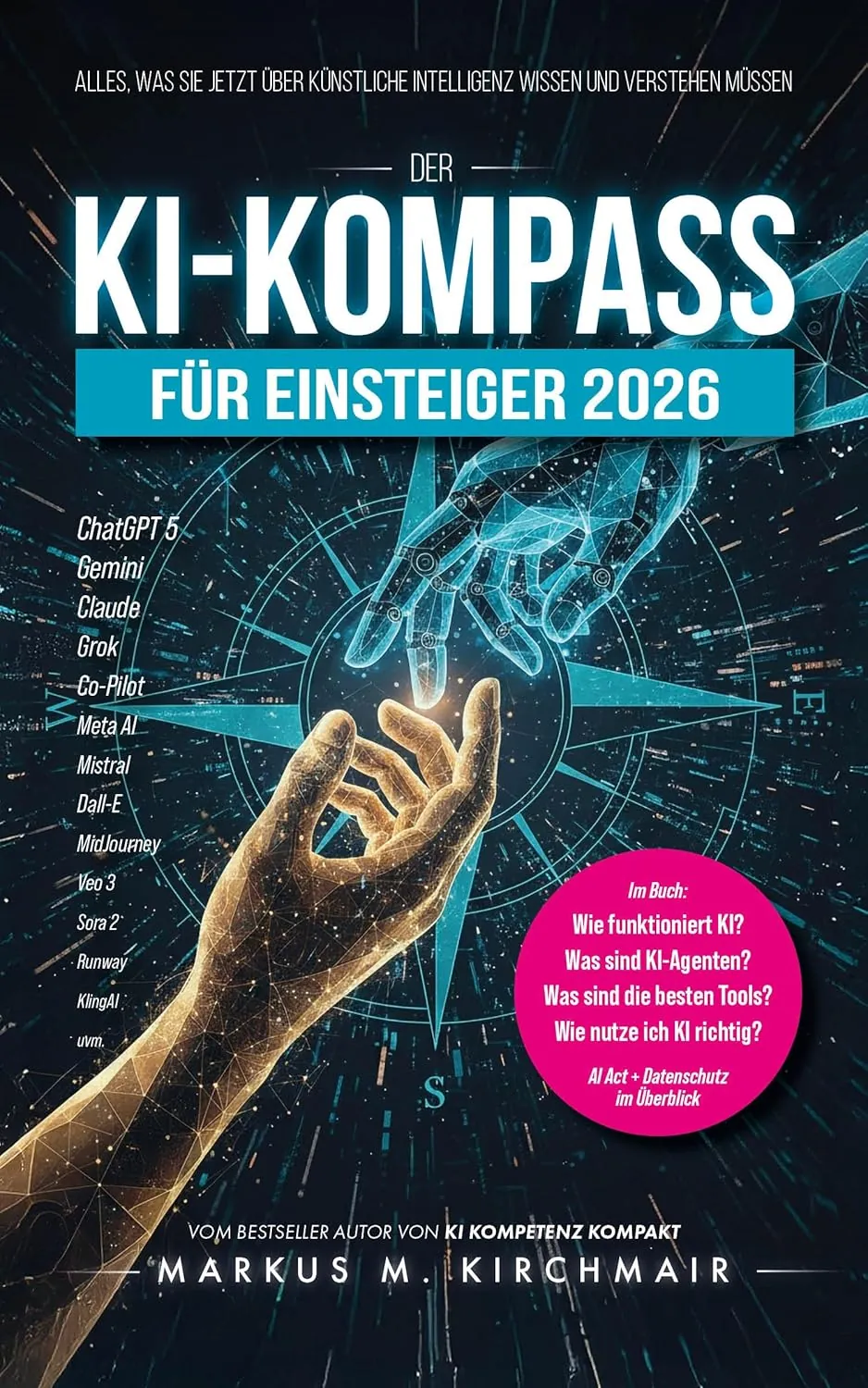
AI fundamentals, tools and regulation explained clearly.
Order now on AmazonIntegrate AI into your architecture practice. Now.